AI document processing

DocReader AI agents for your documents

AI agents that read, validate and push business documents and transactional data into the ERP.
AP automationData captureValidationERP entry
99%accuracy from day one
150+languages
Directposting to your ERP
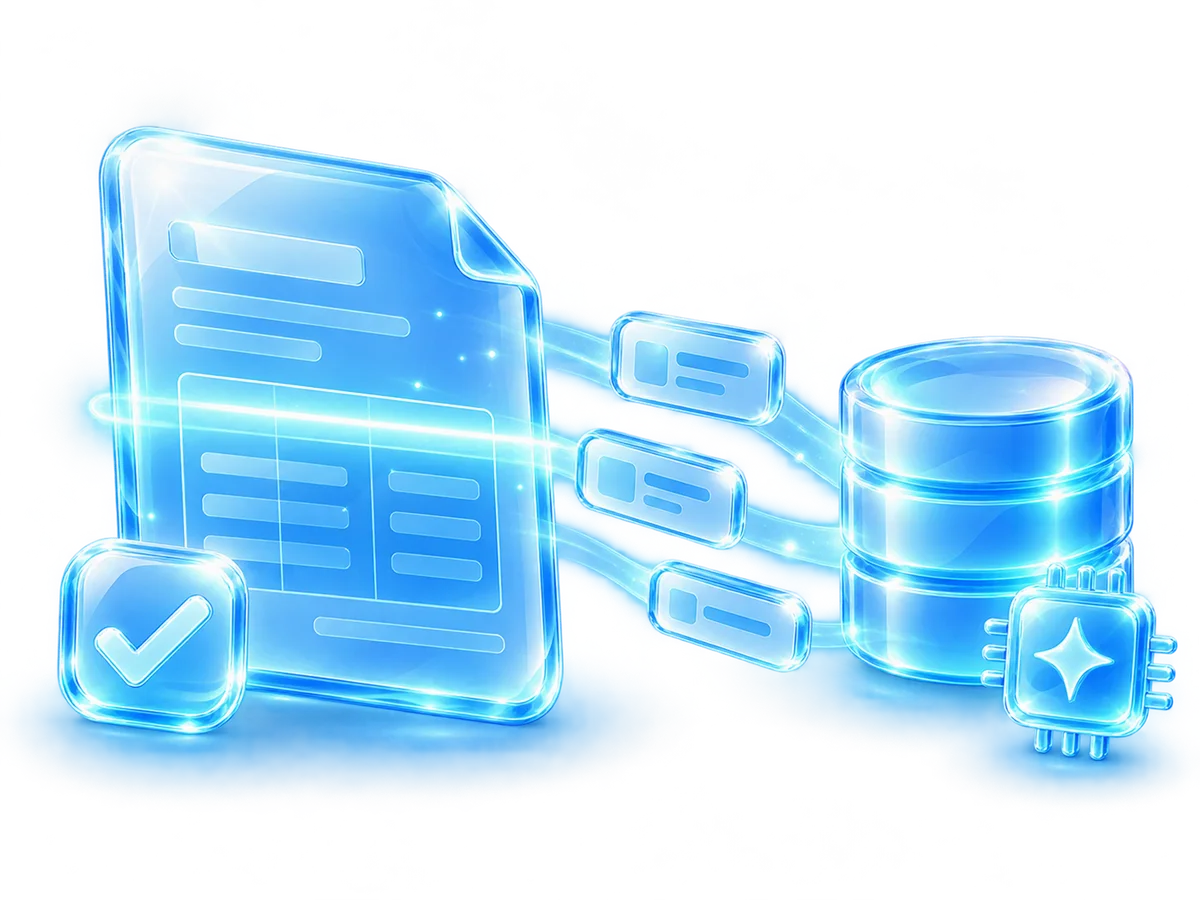
DocReader: an invoice is scanned by AI and its data flows into a database
// What is DocReader

What is DocReader?

DocReader is AI document-processing software: AI agents read invoices and other business documents in 150+ languages with 99% recognition accuracy from day one, validate the data and post the transaction to the ERP – so finance teams stop typing documents by hand.

Return$4Saved per $1 spent
Per document$2Saving per document
Accuracy99%Recognition accuracy from day one
Languages150+Languages supported
// Why DocReader

Why teams choose DocReader

// Outcome

Business outcome

DocReader reduces manual document intake by extracting structured data from invoices and other incoming business documents, then preparing the validated transaction for downstream ERP processing.

// Capabilities

Core capabilities

  • Ingest PDFs, images, scans and email attachments from multiple intake channels.
  • Read document fields and line-level values and prepare structured outputs for validation.
  • Support approval or exception flows when information requires review before posting.
  • Reduce repetitive accounting and administrative entry work while improving document traceability.
// Integration

Workflow + integration

  • Connects document capture with ERP transaction records and approval workflows.
  • Complements document archiving and DocCycle approval and signature flows.
  • SAP Business One, Oracle, NetSuite, Priority, IBM AS/400 and other ERPs, directly or through Winsert.
// How it works

How it works

01Capture

Invoices and documents arrive by email, scan, upload or monitored folder.

02Read

AI agents read header fields and line items in 150+ languages.

03Validate

Data is checked against the ERP; exceptions go to approval.

04Post to the ERP

The validated transaction is written to the ERP with the document attached.

// Customers

What our customers say

“

Before DocReader, our AP team spent hours manually entering invoice data. Today, invoices are processed automatically and pushed into our ERP within seconds. The accuracy is impressive, and the ROI was almost immediate.

Brian OdryBrian OdryCFO
“

DocReader completely transformed how we handle invoices. It reads invoices from any vendor format and gets everything into our system without the usual back-and-forth. Our team can finally focus on exceptions instead of data entry.

Natalie ShulzNatalie ShulzAccounts Payable Manager
“

We connected DocReader to our ERP with minimal effort. The system handles large volumes without slowing down and requires almost no maintenance. From an IT standpoint, it’s one of the smoothest implementations we’ve had.

Alex KarenskyAlex KarenskyDirector of IT
// Implementation

How implementation works

01Discovery call

Which documents you receive, how they arrive and which ERP they go into.

02Test on your documents

Send us a set of real documents and see the extracted data before you decide.

03Connect the ERP

Set validation rules and the transaction DocReader prepares - with the document attached.

04Pilot

Start with one document type or one group of suppliers.

05Roll out

Add document types and intake channels as the team gets comfortable.

// What you need to start

A sample set of real documents (for example a month of supplier invoices) and access to the ERP test or live environment.

// Pricing

Pricing depends on the scope of your project. After the discovery call you get a clear written proposal for DocReader - with no obligation.

// FAQ

DocReader FAQ

DocReader is AI document-processing software: AI agents read invoices and other business documents, validate the data and post the transaction to the ERP.

DocReader reaches 99% recognition accuracy from day one.

DocReader reads documents in more than 150 languages.

Invoices and other incoming business documents – PDFs, images, scans and email attachments from multiple intake channels, including header fields and line-level values.

DocReader supports approval and exception flows, so documents that need review are routed to the right person before posting to the ERP.

DocReader works with SAP Business One and with other ERP systems such as Oracle, NetSuite, Priority and IBM AS/400, directly or through Winsert, the SPS integration hub.

// Book a demo

See DocReader on your own invoices

Send us a few sample documents and tell us which ERP you use. We will show you DocReader reading, validating and posting them.

Used in: 3PL & logistics · Wholesale & distribution · Food & beverage · Manufacturing · Healthcare & pharma · Professional services

By submitting this form you agree to our Privacy Policy. We will only use your details to respond to your request. This site is protected by reCAPTCHA and the Google Privacy Policy and Terms of Service apply.