Label printing + automation

xPress3 Barcode labels from live ERP data

Automated barcode and label printing using live data from ERP systems, databases, cloud applications and files.
ERP dataLabel designCloud dataPrint automation
LiveERP and database data
Excel, CSV, ASCIIfile imports
Standaloneor integrated
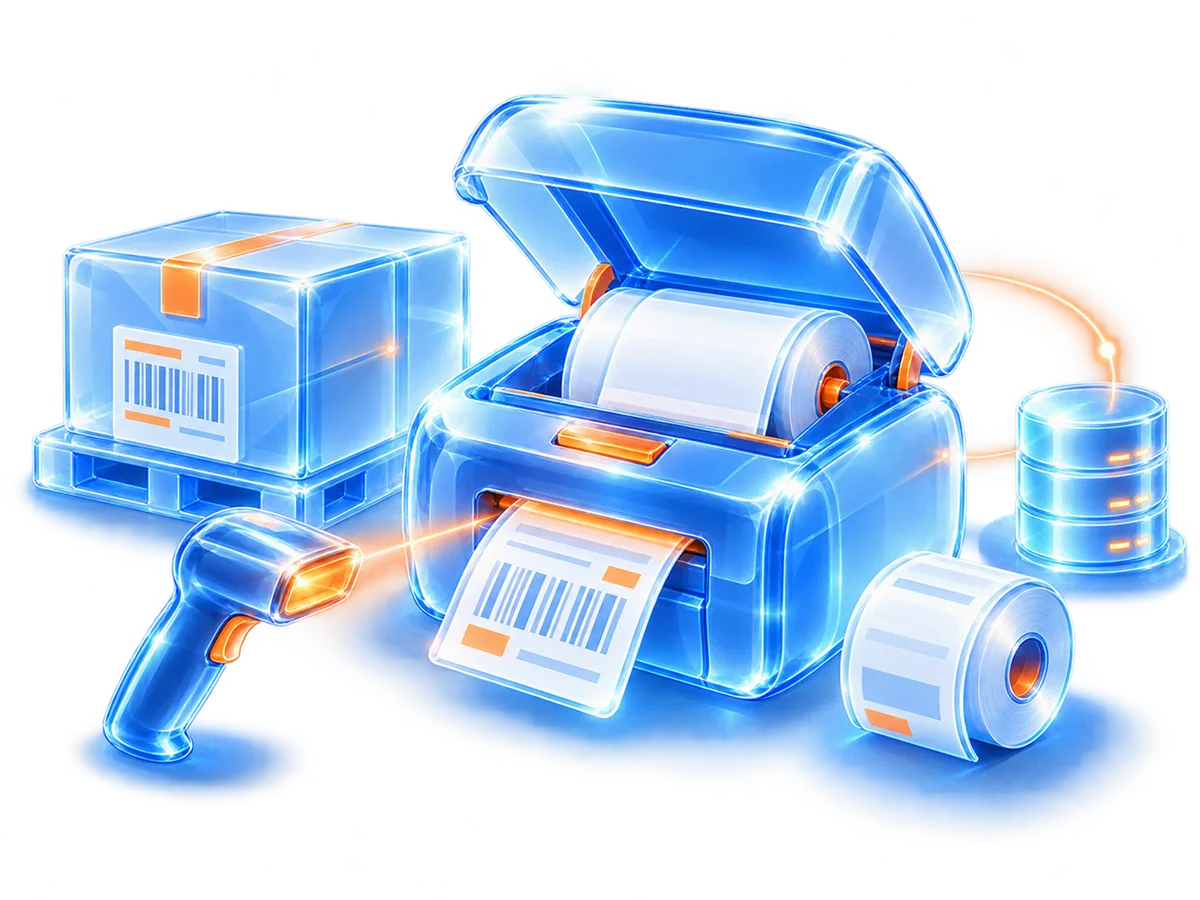
xPress3: a thermal label printer prints a barcode label, with a pallet box, a scanner and a label roll
// What is xPress3

What is xPress3?

xPress3 is SPS label-printing software that generates barcodes and labels from live ERP, database, cloud and file data, so warehouse and production teams print accurate, current labels at the point of work.

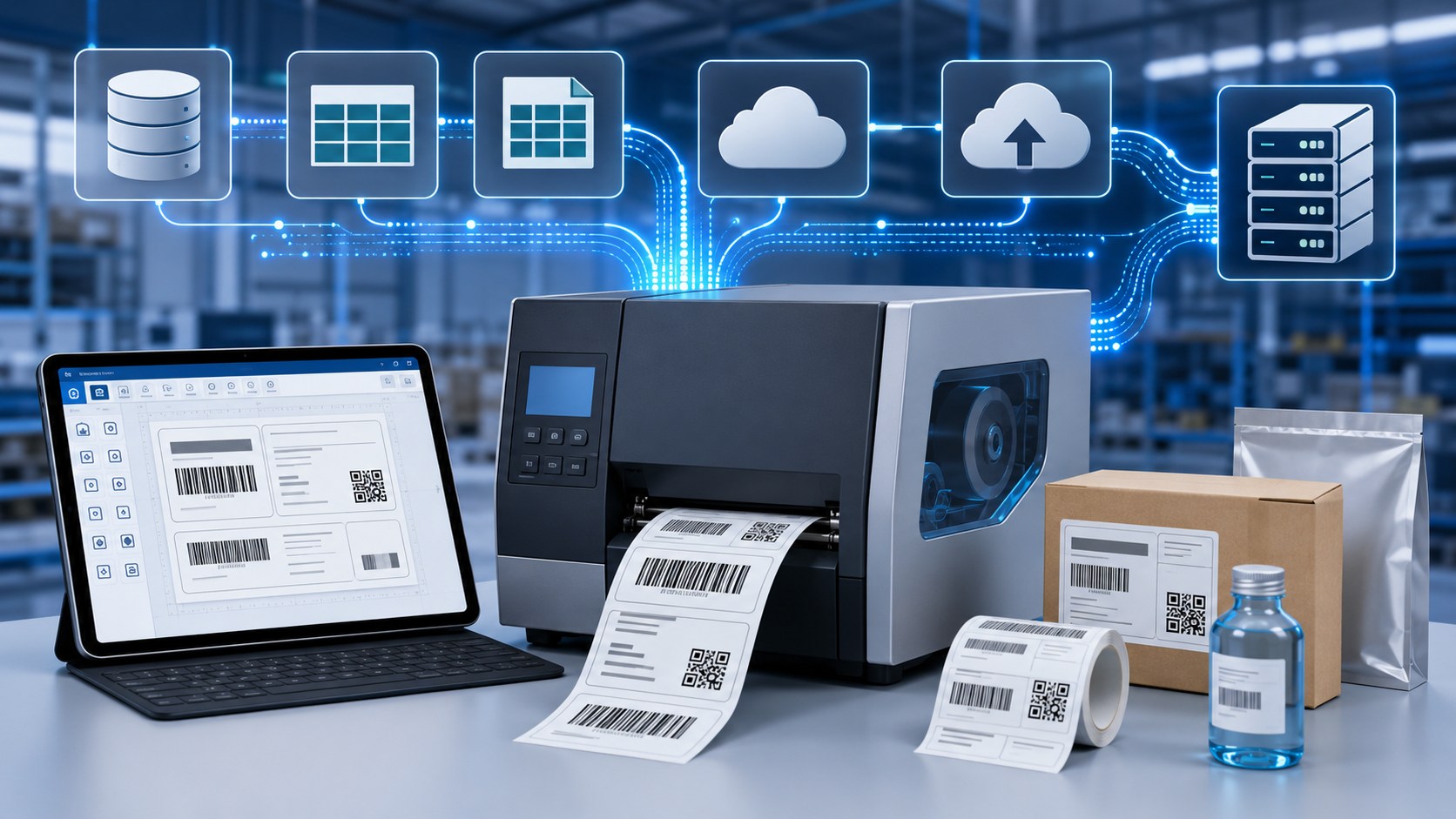
xPress3 industrial label printer printing barcode labels from live ERP data in a warehouse
// At the point of work

Accurate labels, printed where the work happens

Warehouse, shipping and production teams print barcode and QR labels straight from the current ERP record - no retyping and no outdated templates. xPress3 pulls live data from your ERP, databases, cloud applications or Excel, CSV and ASCII files and sends it to the label printers at the line, the dock or the warehouse.

Shipping and carton labelsProduct and SKU labelsPallet labelsProduction and batch labels
// Why xPress3

Why teams choose xPress3

// Outcome

Business outcome

xPress3 converts operational data into accurate, production-ready labels and barcodes. It reduces manual preparation, standardizes label output and lets teams print current information directly at the point of work.

// Capabilities

Core capabilities

  • Generate labels, barcodes and dynamic images from real-time ERP and database records.
  • Design and customize label layouts through a graphical interface.
  • Run as an integrated solution or as a standalone application.
  • Import data directly from Excel, CSV and ASCII files for flexible production workflows.
// Integration

Workflow + integration

  • Connect to web-based and cloud applications to retrieve current data for immediate printing.
  • Keep label logic centralized across operational systems, data sources and connected printers.
// How it works

How it works

01Connect data

Link xPress3 to the ERP, a database, a cloud app or a file.

02Design the label

Build layouts with barcodes, QR codes and dynamic images.

03Set the rules

Decide which record prints which label, where and when.

04Print at the point of work

Accurate, current labels come out at the line, dock or warehouse.

// Option for cloud ERPs and CRMs

ERP in the cloud? Print locally - no VPN, no open ports

xPress3 normally connects directly to your ERP, databases and files and prints to the printers on your own network. When the ERP or CRM runs in the cloud, it cannot reach those printers - so for that case xPress3 offers an optional relay, DocRelay: the cloud system sends the job to the SPS cloud, and a small listener on your network picks it up over an outbound, SSL-encrypted connection and prints it.

Prints on its own

Labels, pick tickets and delivery notes print when the order changes status in the cloud system - nobody opens a PDF.

Outbound-only, encrypted

The listener on your network connects out to the SPS cloud over SSL. Nothing is opened inbound and no VPN is needed.

One channel for every system

NetSuite, Priority, Salesforce, Zoho and other cloud systems each get an endpoint, and all of them reach the same local devices.

Printers, scanners, signing pads

Jobs go to xPress for labels with live data, or to Winsert for formatted and routed documents - at one site or many.
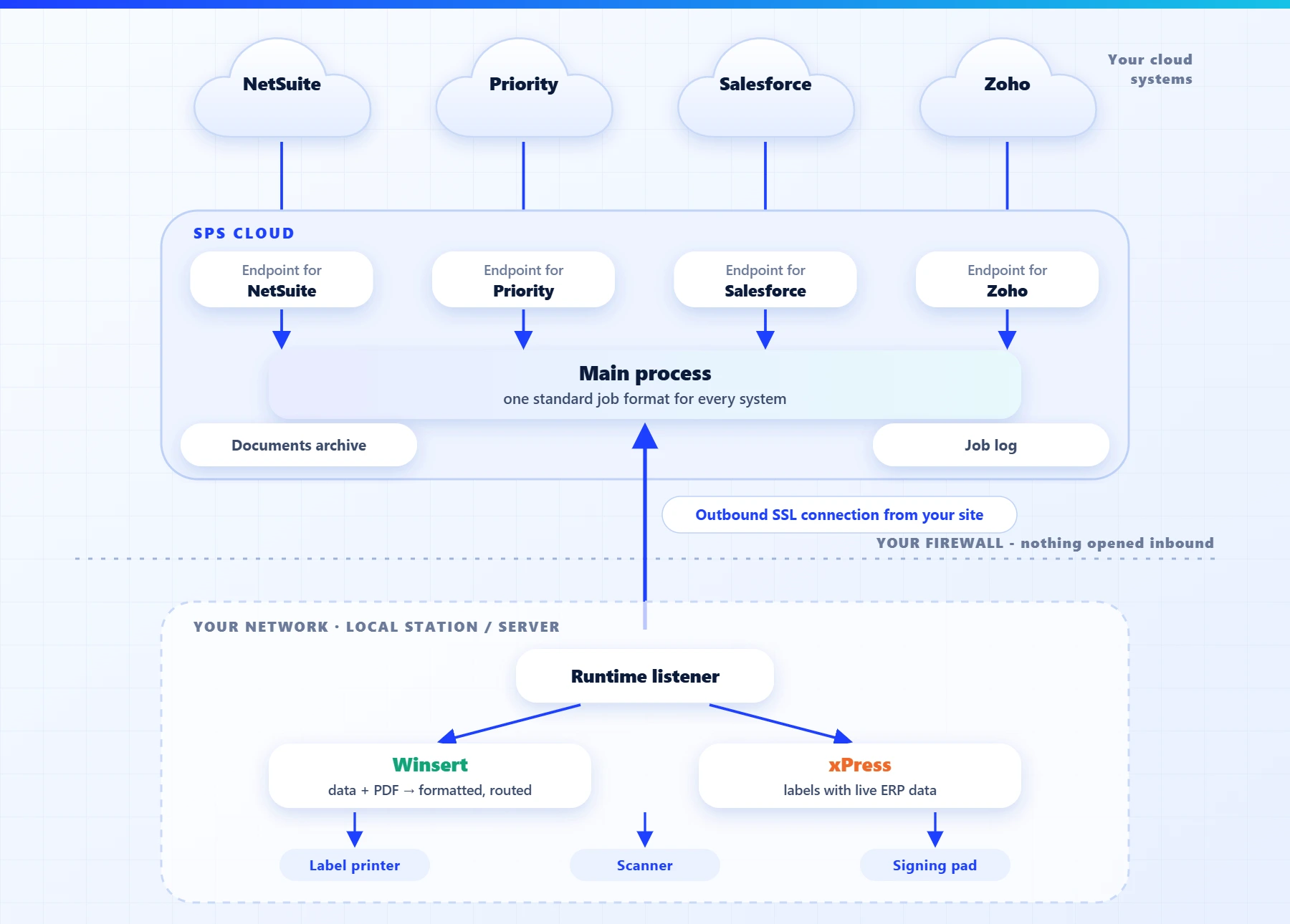
NetSuite, Priority, Salesforce and Zoho send print jobs to the SPS cloud; a local listener with an outbound SSL connection passes them to Winsert and xPress, which drive label printers, scanners and signing pads
// Implementation

How implementation works

01Review your labels

The labels you print today, where you print them and on which printers.

02Design the layouts

Build your label layouts with your own data in the graphical designer.

03Connect the data

Link xPress3 to the ERP, a database, a cloud app or files.

04Pilot

Start at one line, dock or packing station.

05Roll out

Extend to more stations, printers and label types.

// What you need to start

Examples of your current labels, your printer models and access to the data source.

// Pricing

Pricing depends on the scope of your project. After the discovery call you get a clear written proposal for xPress3 - with no obligation.

// FAQ

xPress3 FAQ

xPress3 is SPS label-printing software that generates barcodes and labels from live ERP, database, cloud and file data, so teams print accurate, current labels at the point of work.

Yes. xPress3 reads live ERP and database records and prints labels and barcodes from them.

No. It can run as a standalone application and import data from Excel, CSV and ASCII files, or connect to databases and cloud applications.

Yes. Label layouts are designed and customized in a graphical label designer.

Yes. xPress3 normally connects directly to your ERP, databases and files on your own network. For cloud systems there is an optional relay, DocRelay: a cloud system such as NetSuite, Priority, Salesforce or Zoho sends the print job to the SPS cloud, and a small listener on your local network receives it over an outbound, SSL-encrypted connection and prints it – labels through xPress3, formatted documents through Winsert. No VPN and no inbound ports are needed.

// Next step

See xPress3 with your own data and ERP

Book a demo and tell us which ERP you run - SAP Business One or any other system.

Used in: 3PL & logistics · Wholesale & distribution · Food & beverage · Manufacturing · Healthcare & pharma