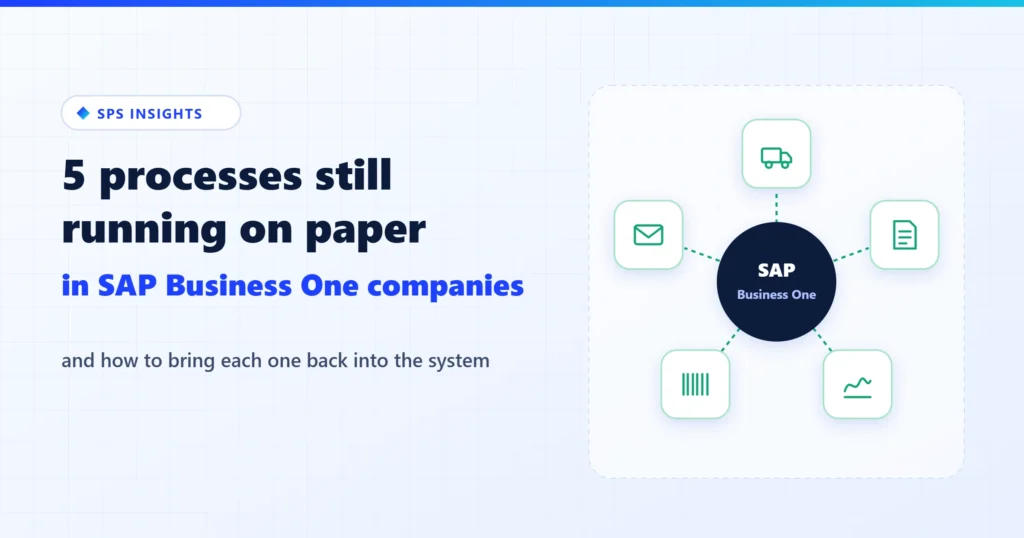
SAP Business One is a complete ERP: orders, inventory, purchasing, accounting. And yet most companies that run it still have a drawer, a binder or a printer that holds part of the process on paper. That is not because the ERP is missing something. It happens at the points where the process leaves the system: to the driver, to the supplier, to the manager who does not work in B1, or to the warehouse. This article walks through five of those processes, explains why paper survives exactly there, and shows how to close each one so the information comes back into the system.
Picture an ordinary day at a distribution company running B1. In the morning, the accounts payable clerk types in supplier invoices that arrived by email as PDFs. At noon, a driver comes back with a stack of signed delivery notes, and one is missing. In the afternoon, a warehouse worker types a batch number into a separate label program, and the purchasing manager goes looking for the CEO to sign a printed purchase order. At the end of the day, someone sends invoices to customers, one by one. All of that information is already in B1. The paper is just the bridge between the system and whoever is outside it.
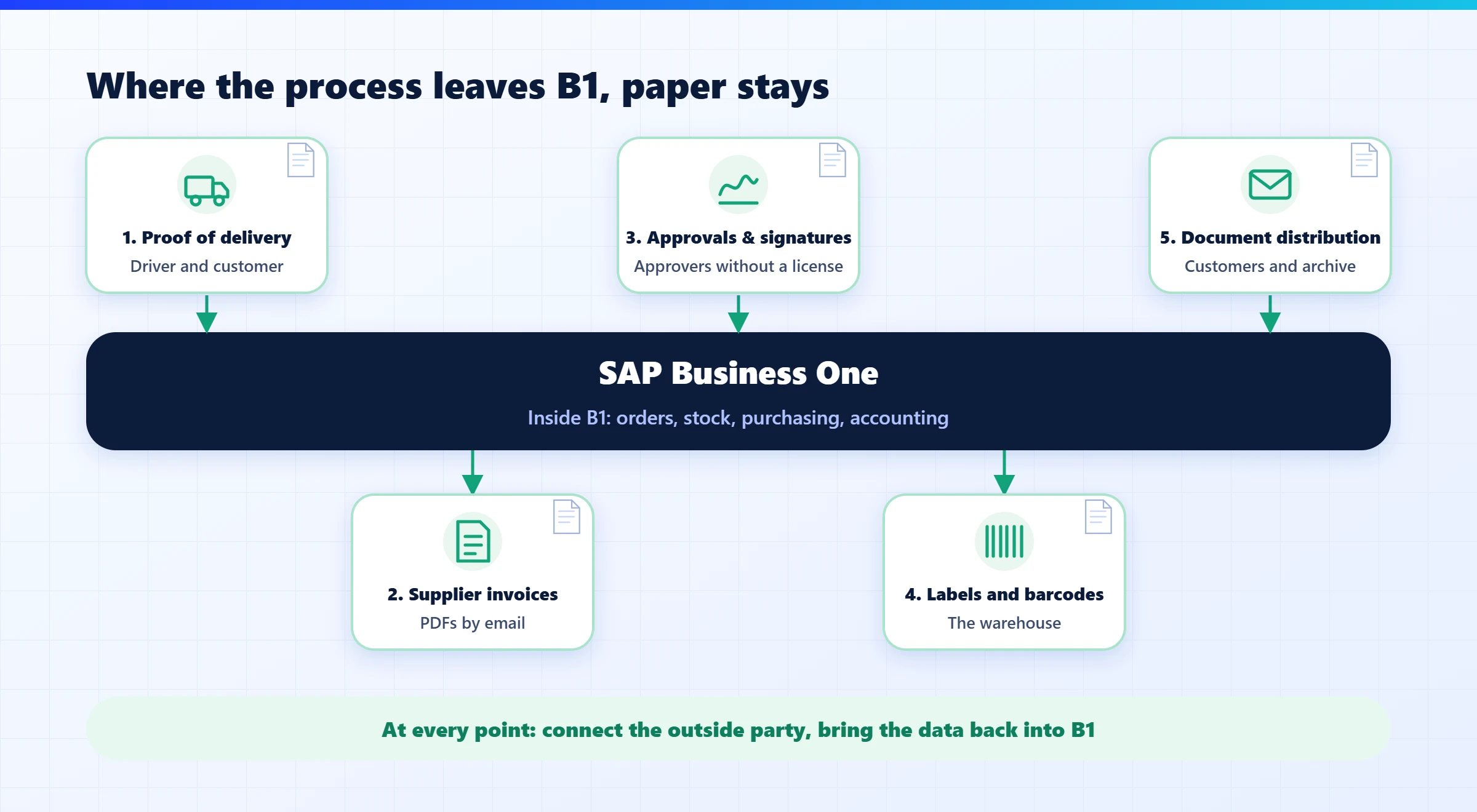
Why paper survives exactly there
The reason is simple. B1 is very good at managing what happens inside it, but each of these five processes has at least one party that does not work in B1. Neither the driver nor the customer who signs is connected to B1. The supplier sends a PDF, not a structured document, and the manager who approves does not always have a license. The warehouse works with a label printer, not a screen. When there is no natural connection to the other side, paper fills the gap. It is available, everyone understands it, and it “works”, until you need to find it, retype it or prove what it says.
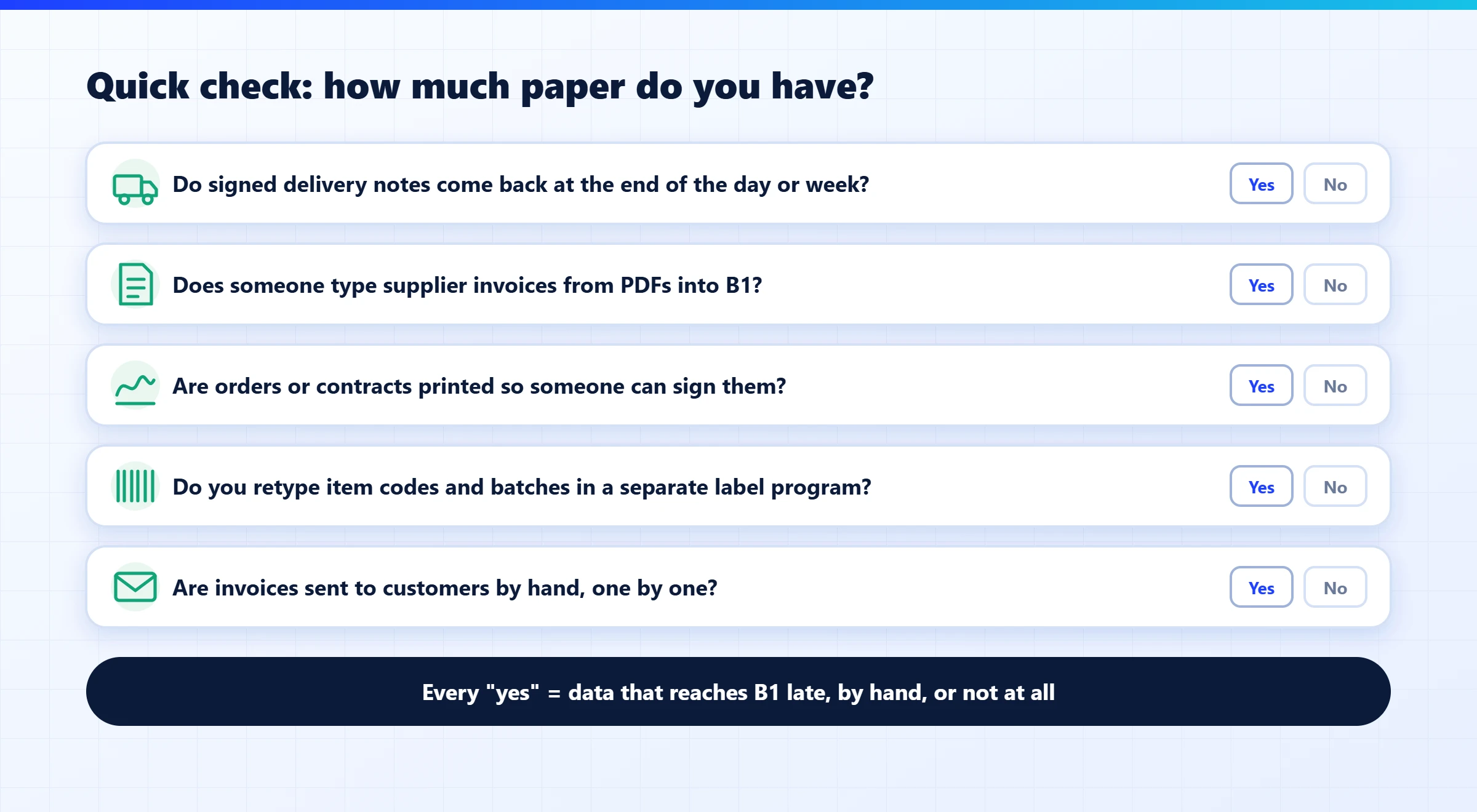
A quick check: how much paper do you have?
Answer these five questions honestly. Every “yes” is a process worth looking at:
The five processes, and how to close each one
1. Proof of delivery: the signed note that comes back days later
What it looks like today: the driver gets a printed delivery note, the customer signs it, and it comes back to the office at the end of the day or the end of the week. If it gets wet, torn or forgotten in the truck, there is no proof of delivery. When the customer says “we never received it”, the search begins.
How to close it: the signature, photo, time and location are captured on a phone at the moment of delivery, and the signed document is attached directly to the delivery in B1. When the shipment goes through an outside carrier that will not install an app, a QR code can be printed on the delivery note, and the recipient scans it and signs on their own phone.
2. Supplier invoices: typing from a PDF
What it looks like today: the invoice arrives by email, someone prints it or opens it on one screen and types it into another: supplier, date, lines, amounts. Then it is checked against the purchase order and the goods receipt. Every typo becomes a difference that someone has to investigate.
How to close it: the invoice is captured automatically from the mailbox, its fields are recognized, and it is matched to the purchase order and the goods receipt PO that are already in B1. People review only the exceptions instead of typing everything.
3. Approvals and signatures: the order waiting on someone’s desk
What it looks like today: B1 has built-in approval procedures, and they work well between system users. Paper comes back when the person who needs to approve is not a B1 user, such as the CEO, an owner or a customer, or when a real signature is required: a supplier agreement, a return authorization, an employee onboarding form.
How to close it: an approval flow that starts in B1, reaches the approver on their phone or by email, and returns the signed document and the status to the same document in the system, with a record of who approved and when. The signature belongs back in the system, not in an inbox.
4. Labels and barcodes: double entry in the warehouse
What it looks like today: goods are received in B1, and then someone opens a separate label program and types the item code, batch, expiry date and quantity again. Sometimes labels are printed from Crystal Reports to a Zebra set up as an ordinary Windows printer, which works until the label size or the printer changes.
How to close it: the label is created straight from the document data in B1 (goods receipt, order, delivery), from one template managed in one place, and printed automatically to the right printer. No double entry, and no template versions scattered across PCs.
5. Document distribution: invoices and notes sent one at a time
What it looks like today: B1 can email a document, but in most companies someone still prints, attaches and sends by hand, and files a copy in a binder or a network folder. When a customer asks for a copy of an invoice from last year, the search begins.
How to close it: every document that leaves B1 is sent automatically to the right address for that customer, saved as a PDF in an archive with search keys (customer, document number, date), and can be found in seconds.
Where to start
You do not need to close all five at once. Here is how to move forward without disrupting the work:
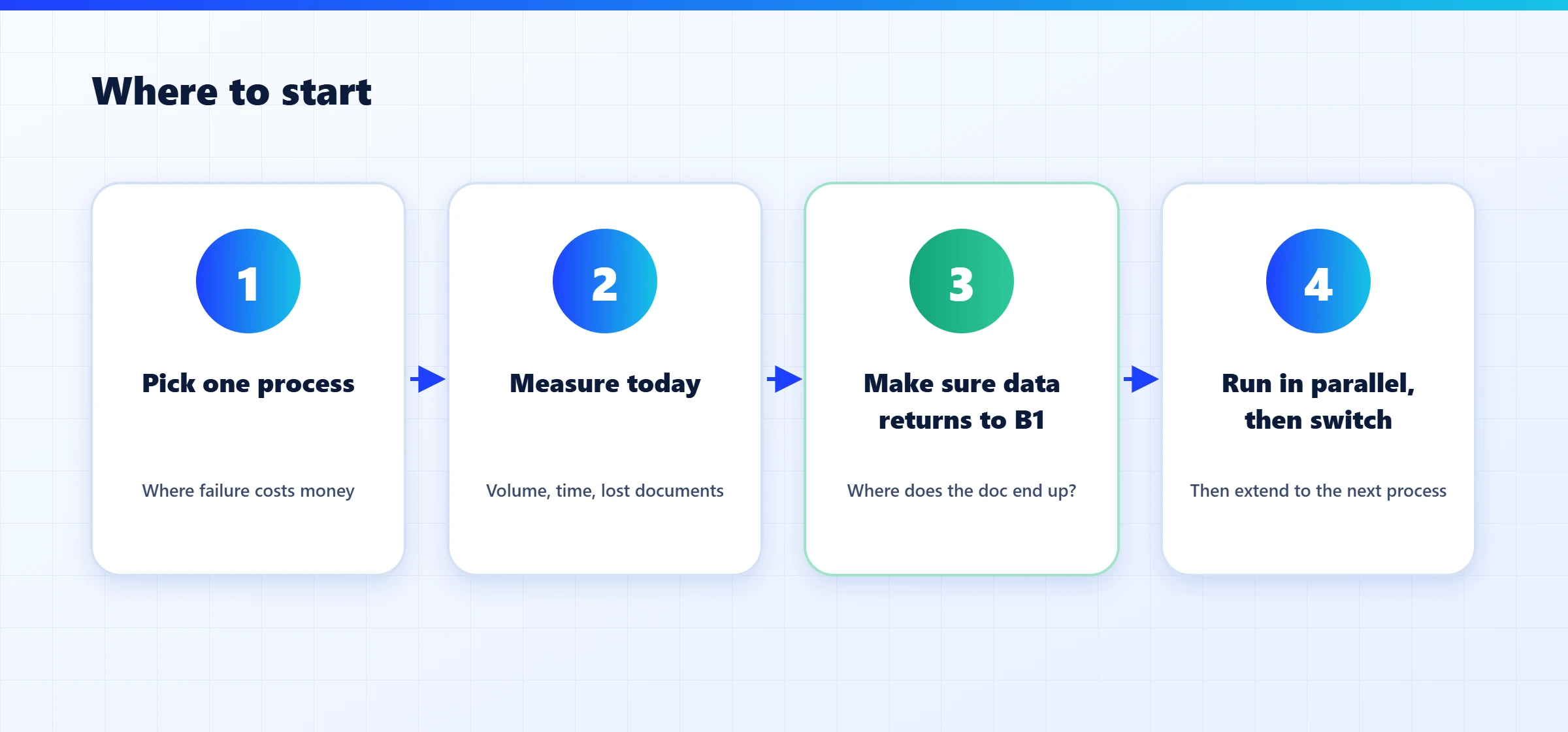
- Pick the process that hurts most. Usually it is the one that costs money when it fails: a missing proof of delivery, or an invoice typed in wrong.
- Measure where you are today. How many documents a month, how long each one takes, how many get lost or need follow-up. Without a starting number, it is hard to know whether anything improved.
- Make sure the information comes back to B1. A solution that moves the paper into another app but leaves the information outside the ERP only moves the problem. The first question for any tool: where does the document live at the end of the process?
- Run in parallel, then switch. A few weeks in which the old and the new process run side by side, until the results match. Then extend to the next process.
Paper does not survive because the ERP is missing something. It survives at the points where the process leaves the ERP.
How we do it at SPS
Since 2005, SPS has been building solutions for exactly these points, with a native connection to SAP Business One. ShipSnap handles proof of delivery and route planning, and ShipSnap QR enables signing without an app. DocReader reads invoices and documents with AI, at 99% recognition accuracy from day one and in 150+ languages. DocCycle manages approvals and digital signatures. xPress3 prints labels and barcodes straight from B1 data, and Winsert distributes and archives documents. In every case, the final document comes back to the same document in B1.
The bottom line
You do not have to replace your ERP to get rid of paper. In companies that run SAP Business One, paper concentrates in five familiar places, and in each one the fix follows the same principle: connect the party outside the system, and make sure the information comes back into it. Start with one process, measure it, and extend from there.
Where is paper costing you the most? Send us the list of processes that still run on paper in your company, and we will go through the check and the first step with you.