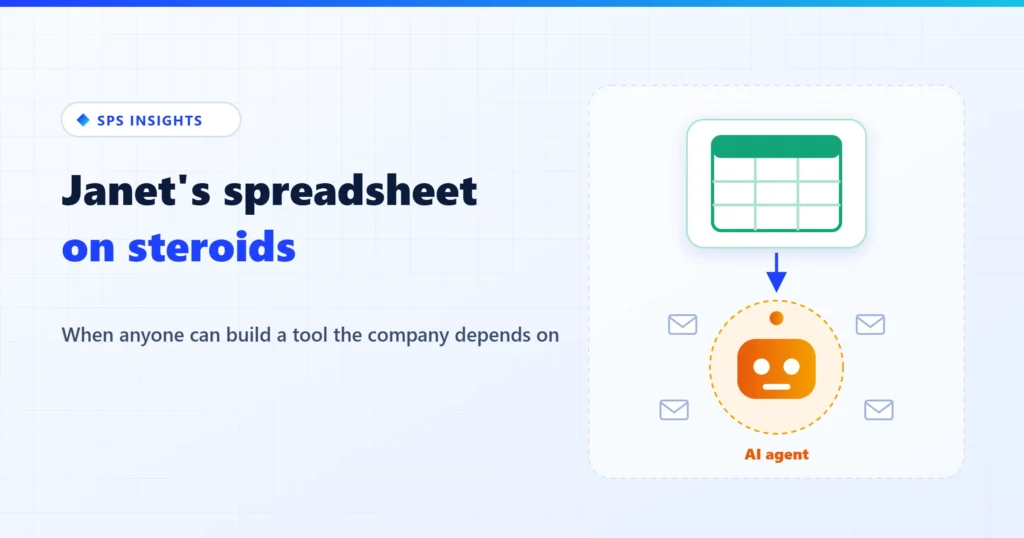
Every company once had a “Janet”: the brilliant accountant who knew every Excel function and built a spreadsheet the whole company came to depend on. It was a risk, but a limited one, because few people could build something like that. AI has changed that. Today any employee can build a tool, an automation or an agent in a few hours, and these tools no longer just pull data. They send emails, update records and take action. This article explains why that turns “build or buy” into a question of risk management, not just budget.
Janet was rare. Now everyone is Janet
In Jason Smith’s viral sketch, the company launches a shiny new finance system, Janet smiles politely, opens Excel and rebuilds everything. Now the company has a “tech stack” and a “Janet stack”, and only one of them actually works. Everyone laughs, because everyone knows a Janet.
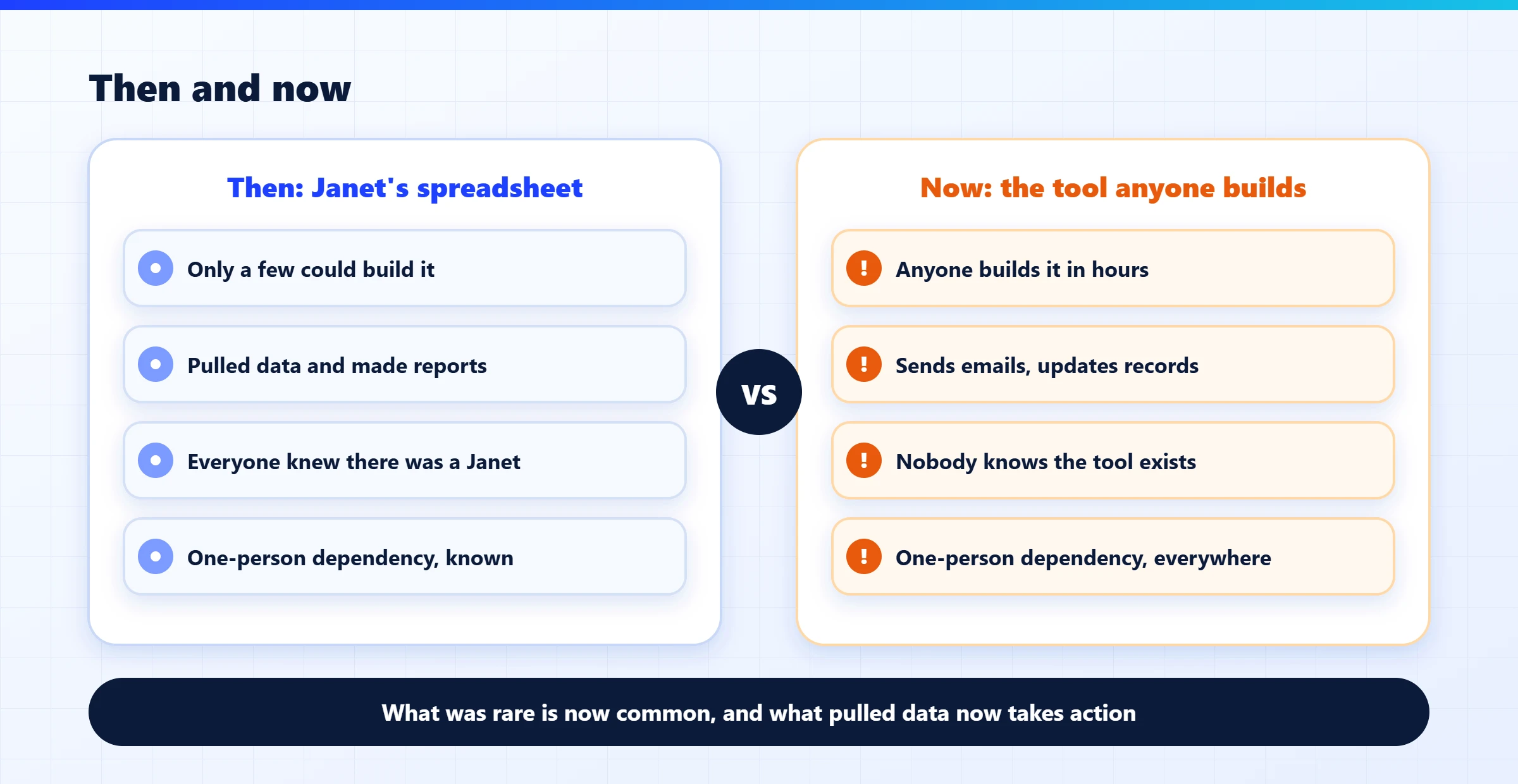
But Janet’s spreadsheet had one important property that is easy to miss: it was rare. Building it took real Excel skill, and few people had it. So the dependency was limited, and usually known. Management knew there was a Janet, and knew it was worth keeping her happy.
AI tools removed that barrier. Today any employee can build their own “spreadsheet”, and the spreadsheet is only a metaphor. It is a small app, an automation or an agent that reacts to events and runs on its own. And the difference matters: Janet’s spreadsheet pulled data, while the new tools do things, like emailing a customer, updating a record in the ERP or changing a price.
How it starts: a side project
It almost always starts with good intentions, from the person who knows the process best. A few examples that are already happening in many companies:
- The sales manager builds an agent that pulls customers who have not ordered in a month from the CRM and writes each of them a personal email with an offer.
- The purchasing lead builds a tool that compares supplier price lists and updates item costs in the system on its own.
- The HR coordinator builds a bot that welcomes new hires, collects their documents and opens their system access.
- The customer service rep builds an automation that answers “where is my order?” emails on its own, based on data from the ERP.
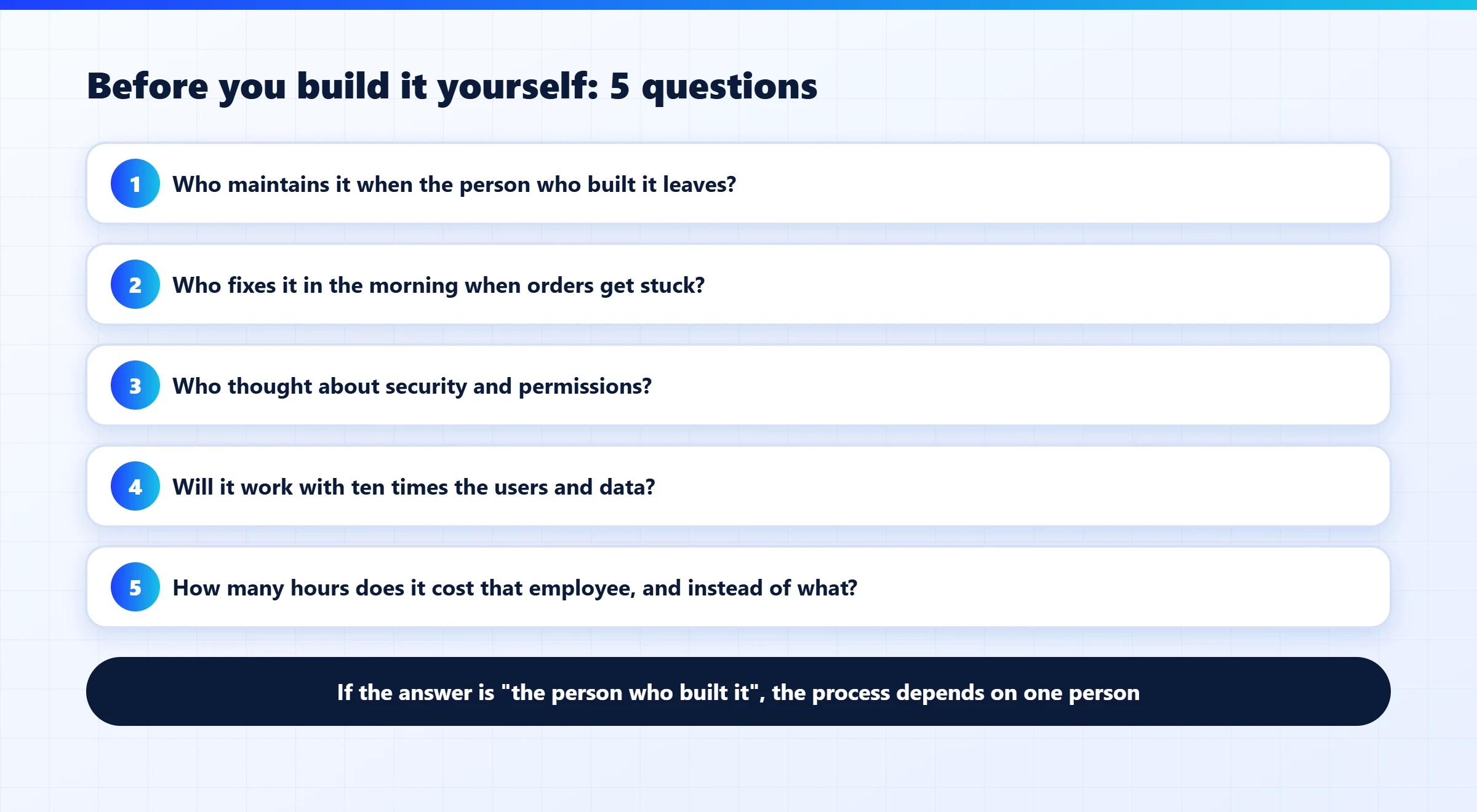
Each of them started as a side project, small, maybe in the evenings. Then comes another field, another rule, another connection to a system. Little by little the tool takes more of the employee’s time and resources, even though it is not their job at all. And say it succeeds, and the tool works. Now the company depends entirely on one person. What happens if they leave? Who fixes it when something breaks in the morning and orders get stuck? Every change, every new requirement and every ERP update depends on them.
Software is only as good as its instructions
There is a deeper problem too. AI tools write code according to the instructions they are given, so the result is exactly as good as the request. An excellent sales manager or purchasing lead is not a product developer. They will ask for what they can see: a screen, a button, a report. What they do not know to ask for, they will not get:
- Information security. Permissions, encryption, who sees whose data, and where customer details are stored.
- A technical base that can grow. What works for a hundred records will not necessarily work for ten thousand, or when a subsidiary joins.
- Error handling. What happens when the ERP is unavailable, when the same action runs twice, or when an email goes to the wrong customer.
- A record of what happened. Does the tool only take actions, or does it also log each one: what was sent, to whom, when and why? Whoever did not know to ask for a log gets a system that leaves no trace. And even with a log, where is it kept? Did the employee know to tell the AI which kind of database to use, or does the data sit in a file on their laptop?
- What happens to customer replies. When the tool talks to a customer, for example sends an offer or asks a question, is the customer’s reply saved? And if so, is it written to the ERP, to the customer record, or kept on the side, creating a new data store next to the ERP that nobody else in the company can see?
- Support. The day the employee is sick, on vacation or gone, there is nobody to call.
A check before you build it yourself
The opposite direction
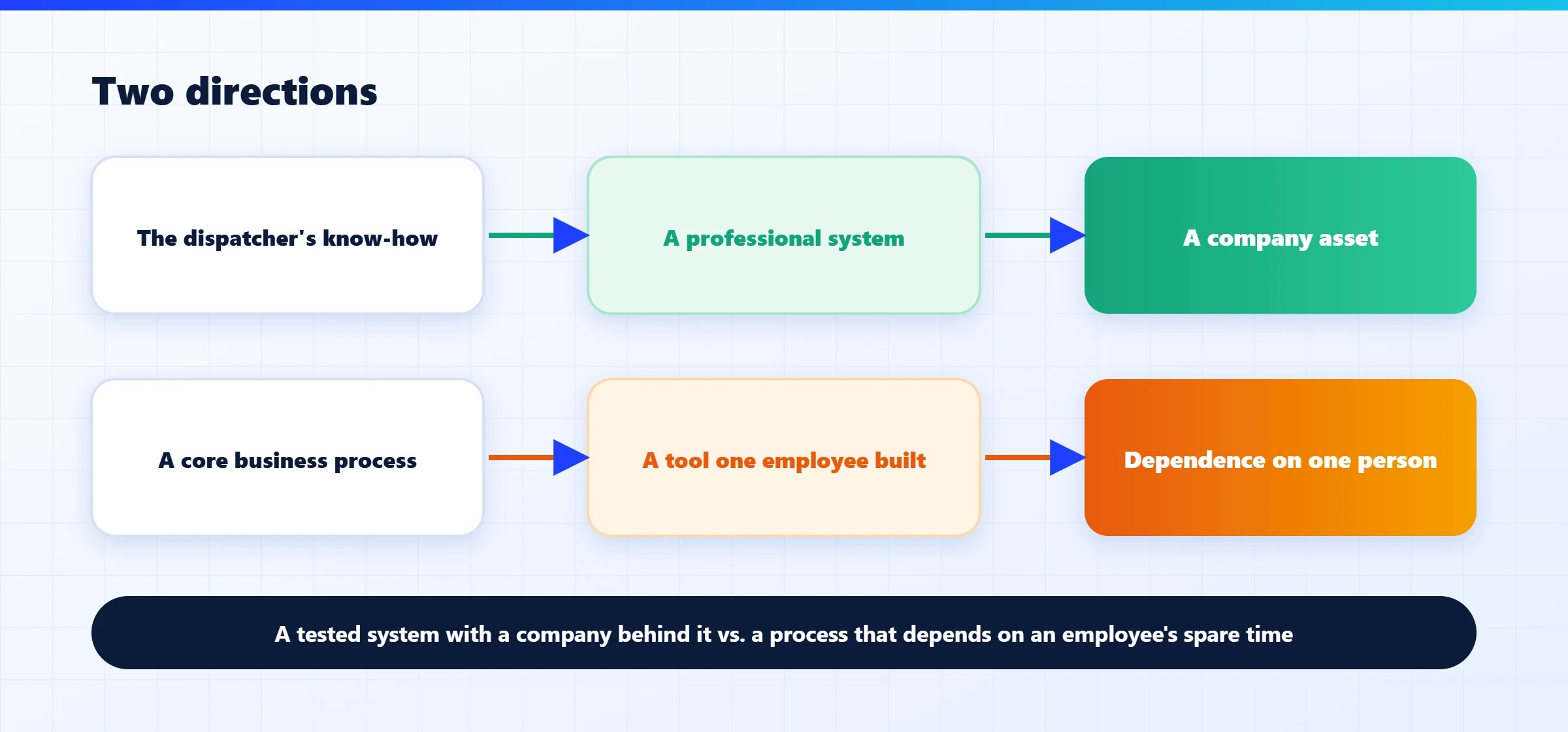
In our first article we wrote about the dispatcher who carries all the route-planning know-how in his head: the day he is sick or leaves, distribution falls into chaos. The answer there was to move the knowledge from the employee’s head into the system, so it becomes an asset of the company.
A tool an employee builds alone does exactly the opposite. Instead of a tested system that the company buys under a contract with a vendor that gives it backing, support and stability, the company puts an entire process into dependence on one person: their head, their code and their spare time.
So when should you build?
This is not an article against AI, or against employees who take initiative. A tool an employee builds to save time, summarize documents or test an idea is a great thing. The line is between a personal tool and a core process. Once the tool touches customers or money, runs on its own, has other people depending on it, or writes to the ERP, it is a company process, and the decision should be made like any other system decision:
- Calculate the real cost. Not just the AI subscription, but also the employee’s hours, maintenance, failures, and the cost of a day when the tool does not work.
- Ask who maintains it. If the answer is “the person who built it”, you need a plan for when they are not there.
- Compare it with an existing solution. Usually someone has already built, tested and maintained this process for hundreds of customers.
- Use the employee’s knowledge. Whoever tried to build it knows exactly what the company needs. They are the best partner for choosing and rolling out a professional solution.
Janet was a risk because she was rare and could not be replaced. Today anyone can be Janet, and that is exactly the risk.
How we do it at SPS
This is the approach SPS is built on: systems that take a process that depended on people, paper or spreadsheets, and turn it into a managed process connected to the ERP. ShipSnap moves route-planning know-how from the dispatcher’s head into AI and cuts delivery costs by up to 15%. DocReader reads invoices and documents with 99% recognition accuracy from day one, DocCycle manages approvals and signatures with a full audit trail, and Winsert connects it all to the ERP, with a native connection to SAP Business One or to any other ERP. These are products that have been tested with customers and are maintained continuously, backed by a company that has been around since 2005 and serves more than 6,000 customers. So the process does not depend on any single employee, not yours and not ours.
Do you have a core process that was built “on the side” and became critical? Tell us about it, and we will look together at whether it deserves a professional home connected to your ERP.
The bottom line
AI made building easy, but it did not make maintenance, security and accountability any easier. Once, only one Janet knew how to build a tool the whole company leaned on. Today every employee can, so the question is no longer “can our employee build this?” but “who do we want to lean on?” A personal tool can stay with the employee. A process that your customers, your money and your ERP depend on needs a stable home: a system that has been tested, is maintained, and has a company behind it that will still be there when the person who built the tool is gone.